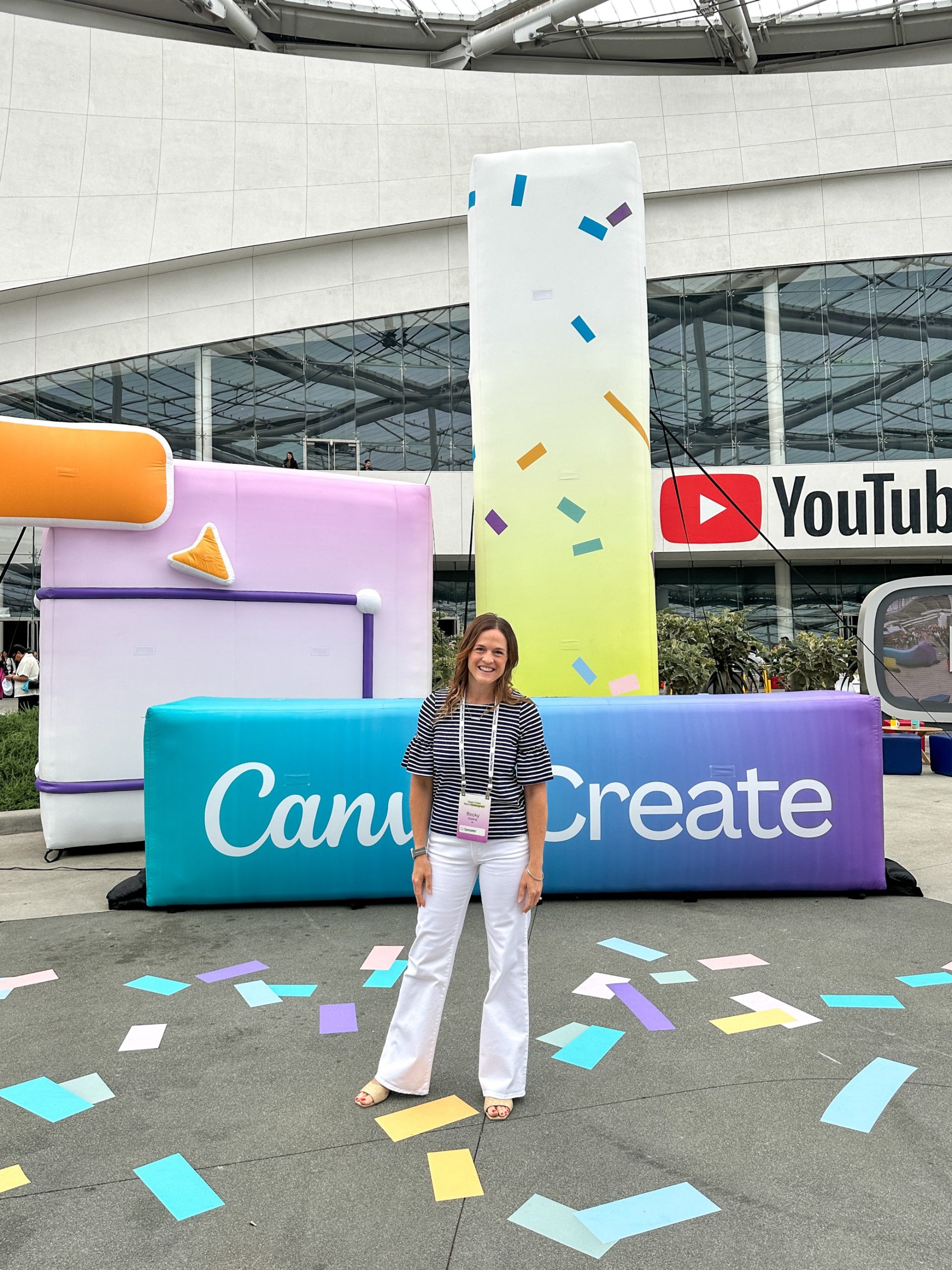
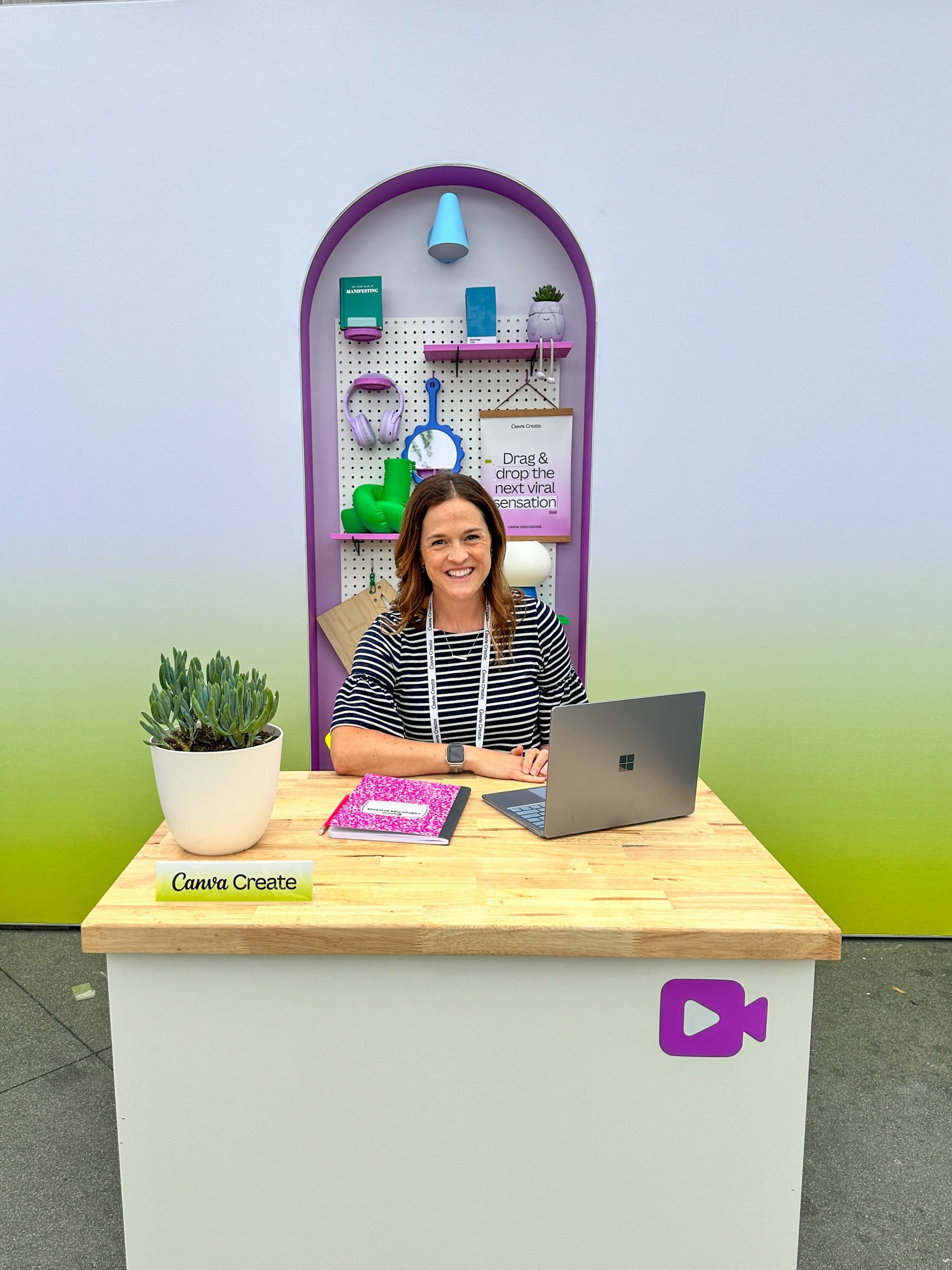
i2e’s Director of Operations Becky Keene had the opportunity to attend and speak at Canva Create live in Los Angeles in May 2024. As a Canva for Education Global Training Partner, i2e is thrilled to offer professional development experiences to school systems in North America. Learn more at i2e-llc.com/Canva.
Canva Create Recap
Walking into Canva Create, I immediately noticed the energy of the crowd gathered at YouTube Theater. It was a hub of creativity, buzzing with the collective enthusiasm of like-minded individuals. Everyone was even dressed colorfully! As a speaker, it was an honor to be among such a warm and welcoming crowd, gathered to hear Canva’s updates.
This event wasn’t just about the announcements—it was about the experience. The connections made, the ideas sparked, and the shared vision for the future of design. For me (and many educators in attendance), it was also about teaching and learning. And that’s exactly what I’m excited to share. So, I’m happy to write about how these new Canva features can make a real difference in schools.
- New homepage and editing experience: Canva is calling this their Glow Up, and the first million users to click on the correct icon seven times received access. Since I was in the live audience, I was able to get access earlier than many. The upgrade is a noticeable change, and I already love it! A redesigned interface streamlines the design process and makes resources more accessible. I’m finding I use fewer clicks to access the things I use all the time. The new homepage can be a launchpad for daily lessons. Educators can pin templates for daily agendas, lesson plans, or educational games, making preparation for each class a breeze.
- Bulk Create: This feature allows you to upload CSV or Excel files to update images and text across multiple designs. Teachers and school administrators can create personalized certificates of achievement for students by simply uploading a spreadsheet with their names and award details. It’s a quick and efficient way to celebrate every student’s unique accomplishments!
- Data fill: Just imagine having a whole set of student data and then generating all sorts of custom reports with it. This is an excellent way to quickly create presentations, reports, and shareable content. Think parent conferences, school committees, and more.
- Recordings: No longer just in presentations, teachers and students can record from pretty much anywhere in Canva!
- Courses: Turn Canva designs into interactive learning materials, perfect for onboarding new hires or upskilling staff. Teachers can create engaging courses using Canva’s design tools, incorporating presentations, videos, and documents to enhance the learning experience for students. I think this will get used a lot in HR and PD departments after it catches on.
- Work Kits: Resources to help you level up in your workplace, with tools and templates designed for professional use. What’s great about this is that school and district administrators can utilize Work Kits to develop professional development workshops or to streamline school branding and communications. I envision a district- or system-level designer creating a brand kit for schools, and then each school uses the new “find and replace all logos” option as well as the “find and replace all colors / fonts” options (so cool) to localize their designs without impacting system-level approved text.
- Enhanced AI Tools: Improvements to AI-powered features, making design smarter and more intuitive. Students can explore AI tools to create innovative projects, like auto-generated graphics for a science fair, or use the AI text generator for creative writing assignments. Schools need to have these features enabled for students to use them. The audio enhancements and background remover in video are my personal favorite upgrades.
- Affinity access for schools: Canva recently announced huge news with Affinity. Affinity is a more advanced graphic and video design tool (think Adobe level). Canva decided to make it free for education! This means schools with CTE departments who are looking to save a little budget can check out moving to Affinity to teach students even more advanced design skills.
- And finally, an upgrade on the accessibility tools means more awareness of color contrast, alternative text, and more. That’s a win for universal design!
Remember, these features are designed to make your work as an educator not just easier, but also more fun and engaging for your students. Embrace the creativity and let Canva’s new features enhance the learning journey in your school!