In honor of Valentine’s Day, as a team we would like to share technology and education items that we love. Working in the edtech industry allows our staff to explore new technology and ideas. We begin to develop a fond affection for the things we use. It’s only fair to share the love! Get to know our team and check out these different tech favorites to bring to your classroom or add to your personal life.
Kim West – Owner & CEO
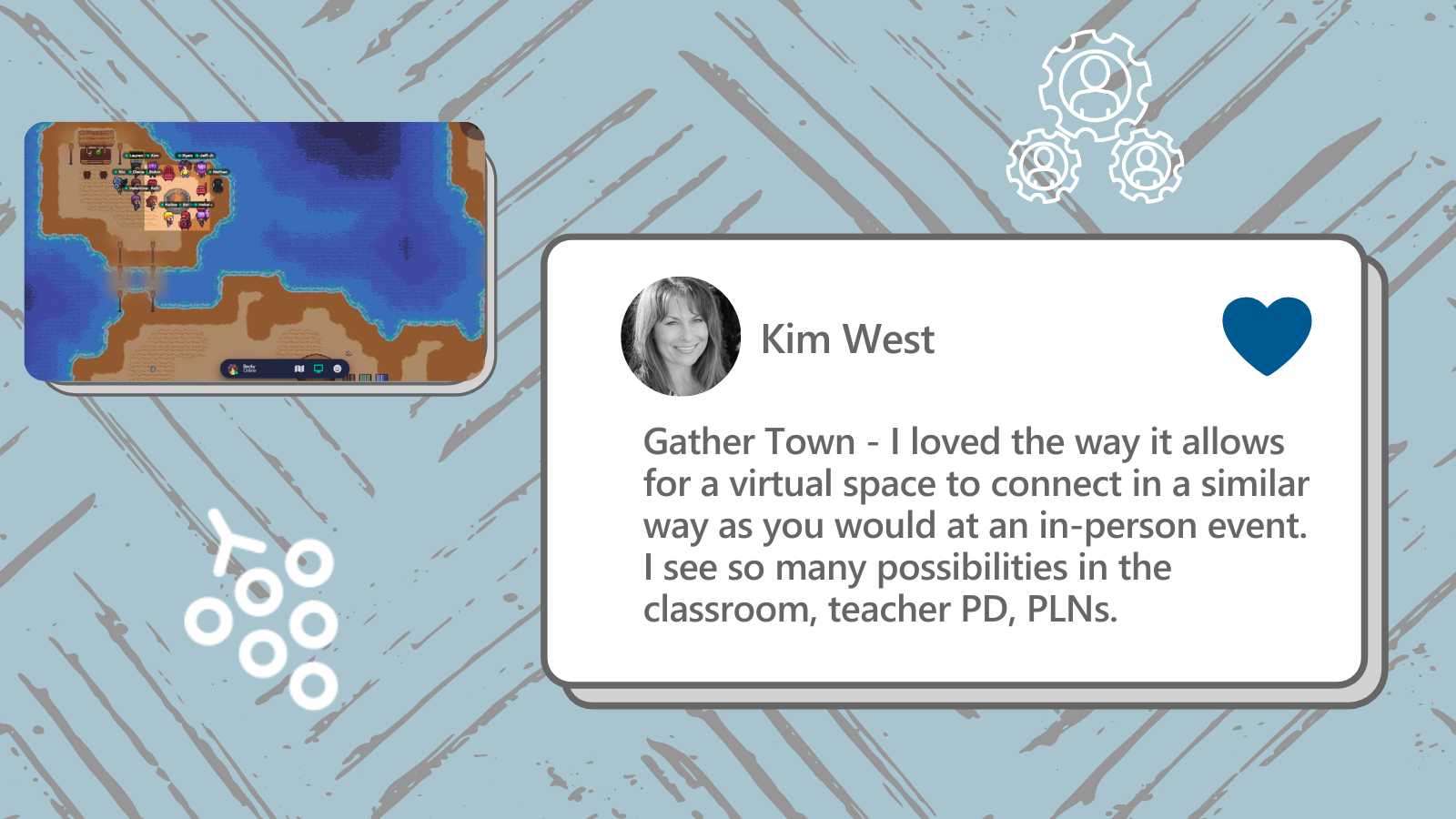
Kim loves to use Gather Town. Gather Town is a virtual meeting site with a 2-D meeting space. It allows you to move around, interact with others, and participate in virtual activities. The site has the ability to host small groups and large conferences in an innovative way.
“I love the way it allows for a virtual space to connect in similar way as you would at an in-person event.”
As schools invest in hybrid and virtual learning settings, Gather Town is a great new tech to check out, allowing for collaboration and relational skills both of which are critical for students.
Becky Keene – Director of Operations
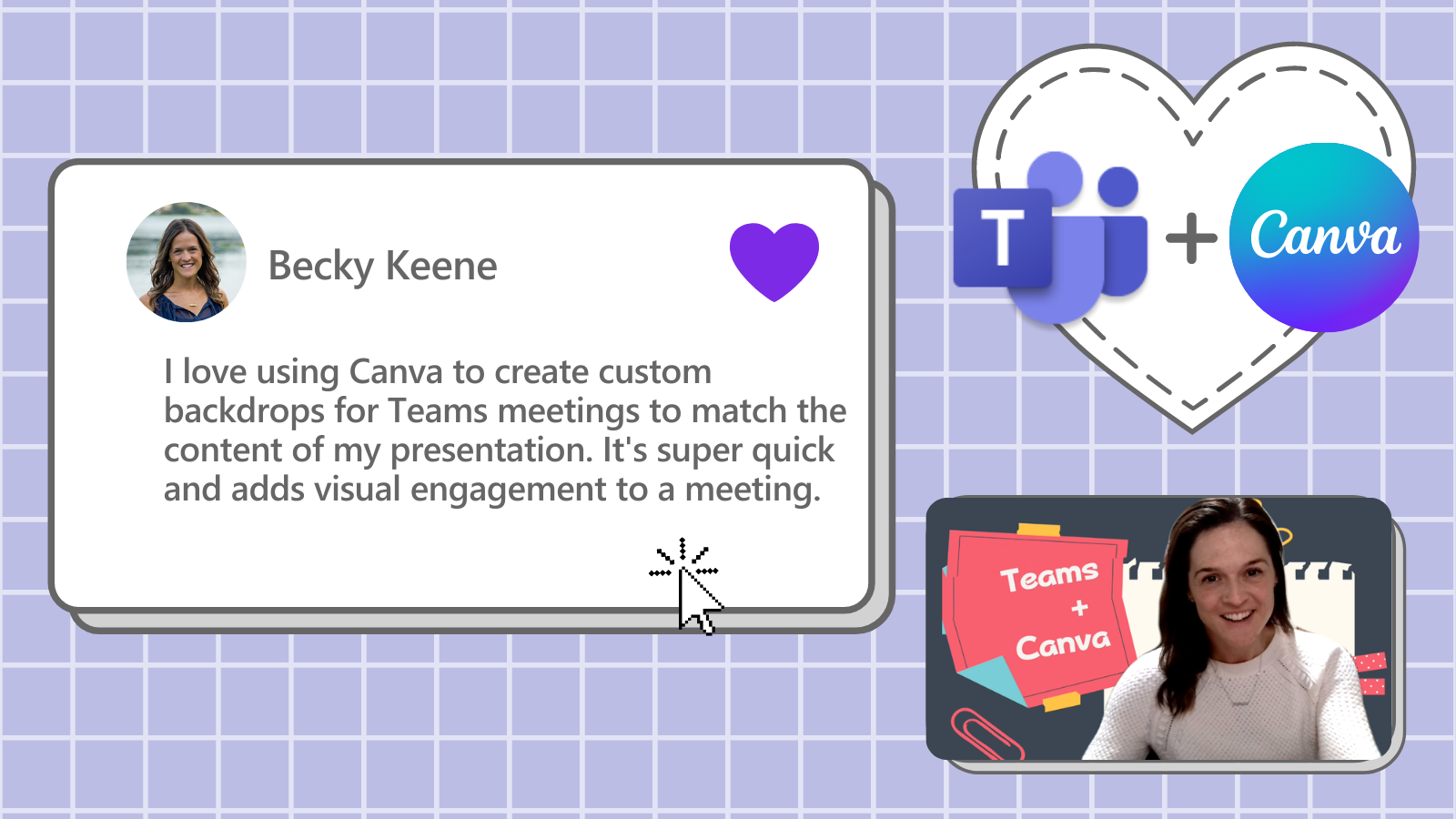
Becky loves to use Canva to create backdrops for Teams Meetings. Microsoft Teams may be the most valued app at i2e, as it allows us to connect from remote settings. On a virtual call, backdrops can be a valuable asset to eliminate distractions. Canva is a user-friendly graphic design tool that allows almost limitless design options, including fun graphics, pictures, media, etc. While this combination is great for a work setting, both of these tools are great for the classroom as well. Allow students to express themselves by creating their own Teams background. Or use Canva for digital art projects. Self-expression and creativity are great assets to students’ learning.
Beth Dudycha – Senior Manager of Content Development
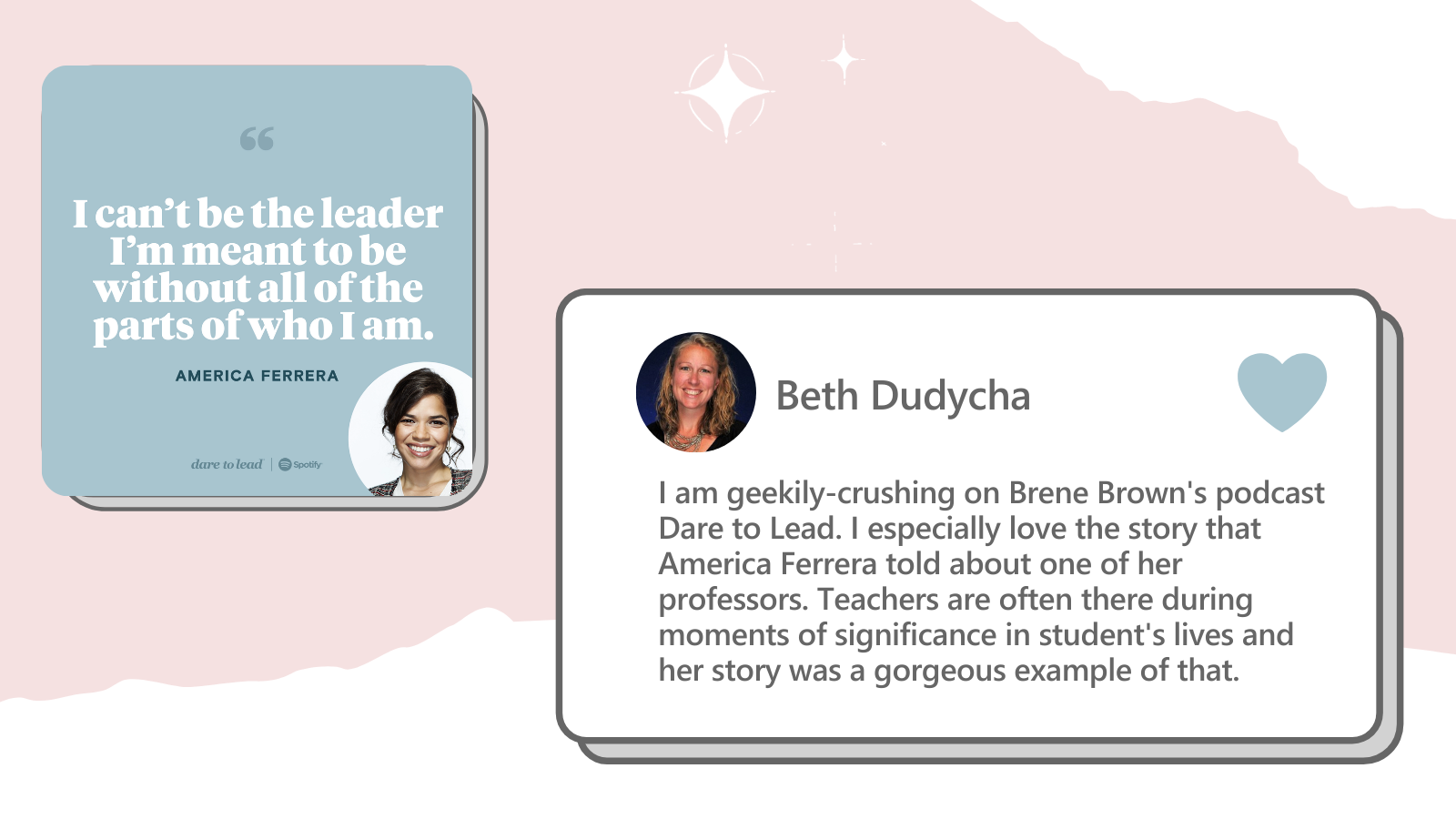
As we seek to produce leaders in the classroom, we must also strive to be leaders ourselves. Beth shared that she loves to listen to Brene Brown’s podcast called Dare to Lead. This podcast focuses on discussing vulnerability and courage, while hearing input from individuals in different walks of life. Beth noted that the episode featuring America Ferrara contained good reminders.
“Teachers are often there during moments of significance in student’s lives.”
A teacher’s leadership, and the style that it is enforced in, is critical in students’ lives and experiences.
Check out the podcast here to be inspired: https://brenebrown.com/podcasts/
Nathan Wells – Senior Manager of Customer Engagement
Flipgrid is a favorite tool at i2e! Nathan loves to use to the camera feature to record short videos. It allows for visual sharing without coordinating everyone’s schedules to connect live. Also, when the link is shared, the individual can go back and watch the video multiple times to understand the content. This is great for students, as they are able to learn with detailed, visual instructions, but are able to complete the tasks individually at their own pace. Flipgrid is a user-friendly platform that students can easily use to communicate with teachers as well, without the limitations of text communication.
Learn more about Flipgrid on their site: https://info.flipgrid.com/

Robin Lowell – Accessibility Advocate
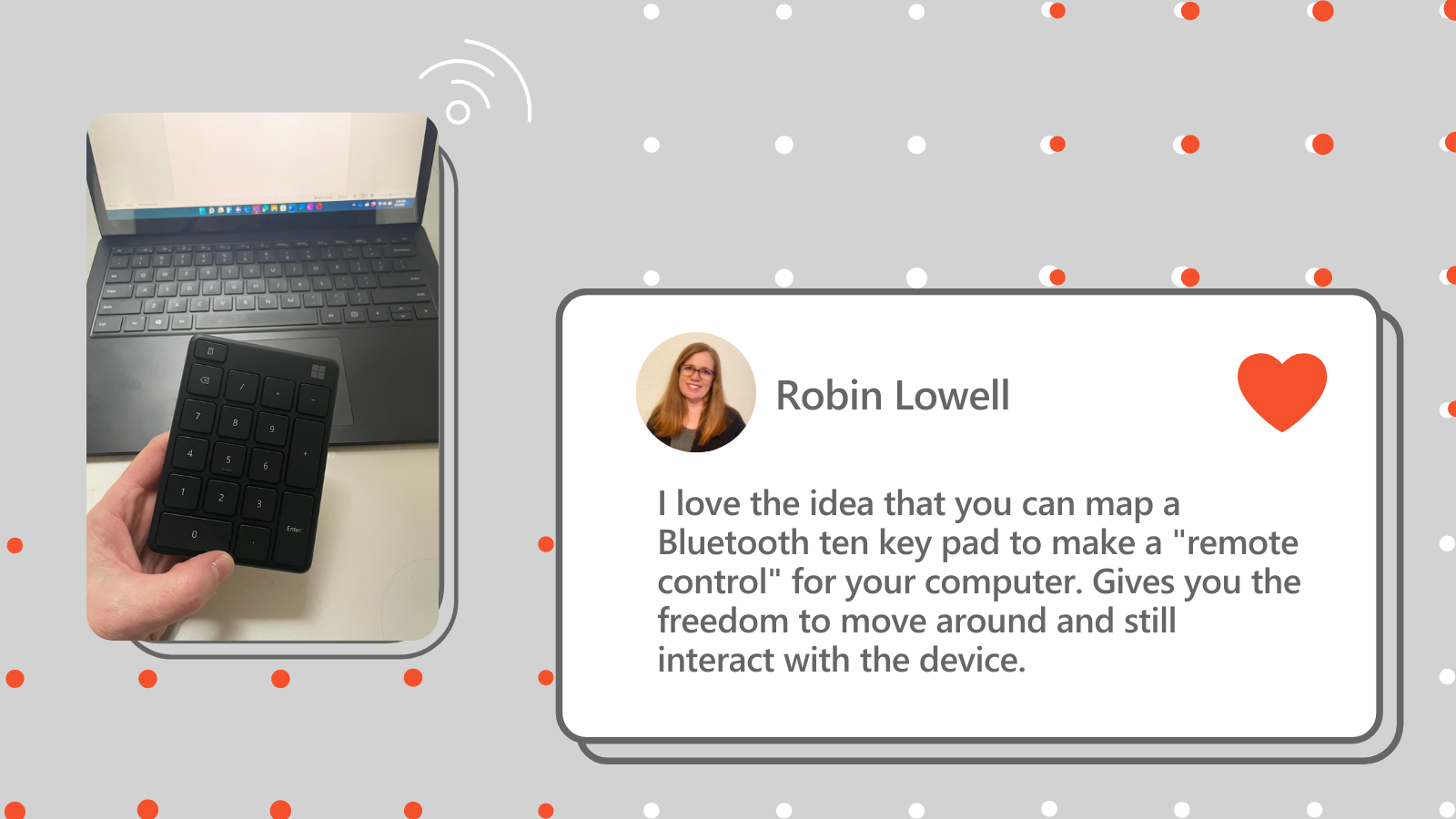
Robin shares a device-related tip that she loves.
“I love the idea that you can map a Bluetooth ten-keypad to make a ‘remote control’ for your computer.”
Robin often presents on accessibility at events and conferences. This simple tip can certainly be used in the classroom as well. Bluetooth connectivity is available on most devices and ten-keypads can be found for a reasonable price. It allows you to have mobility while presenting, rather than clicking through PowerPoint presentations behind a computer screen.
Here is one option for a ten-keypad: https://amzn.to/3LmreN3
Tammy Cohen – Communications Associate
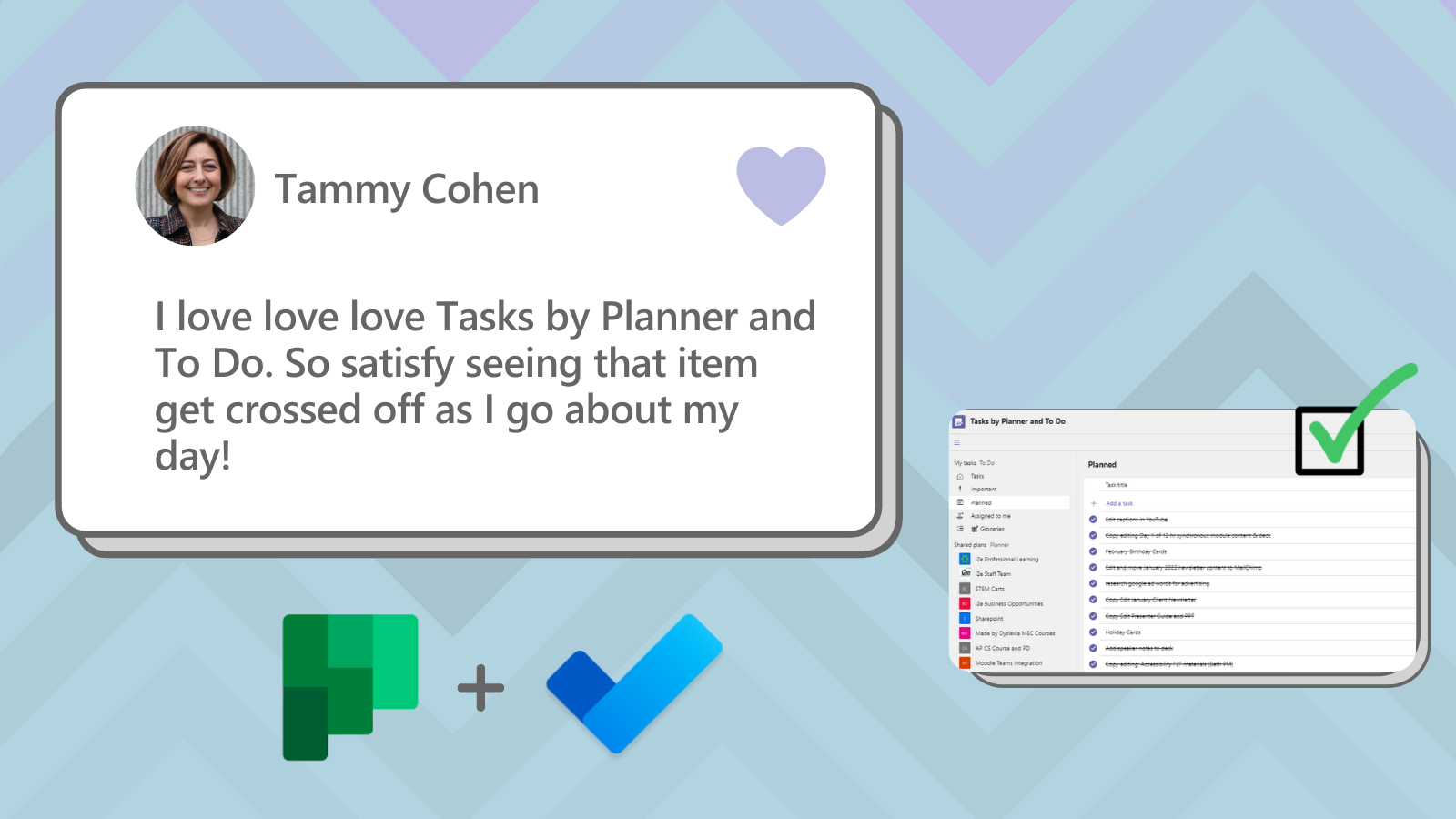
As our Communications Associate, Tammy works alongside many individuals to accomplish tasks. She loves the Tasks app by Planner and To Do with Microsoft Teams. Not only does the Tasks app allow you to set an individual to do list, but you are also able to share lists with other team members, assign tasks, establish due dates, provide helpful links and explanations, and much more! Tammy notes that it is satisfying to see tasks crossed off. Tasks is a great way to keep track of what needs to be done and what you have accomplished already!
Mindy West – Business Manager
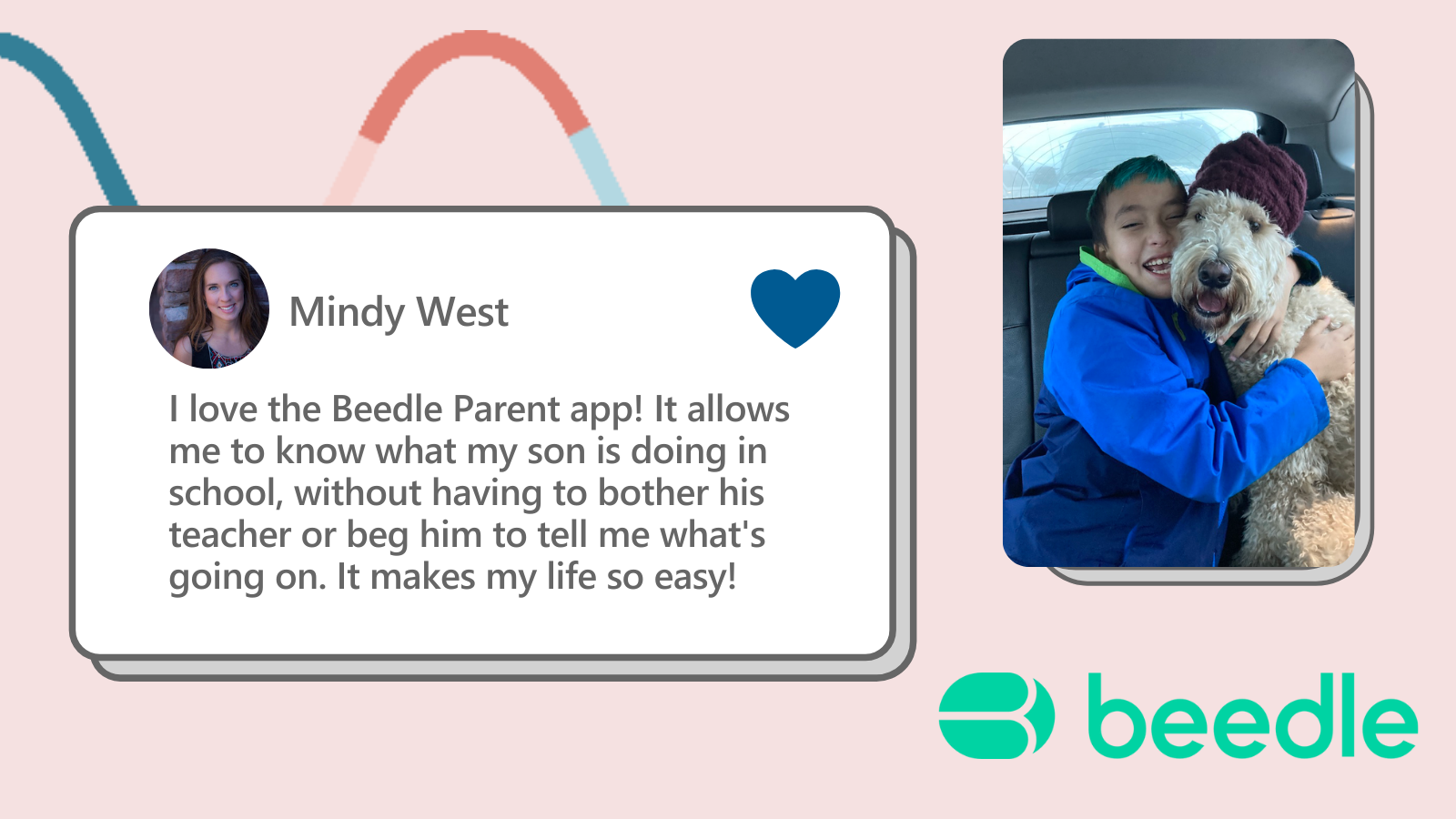
Mindy uses with the Parent app by Beedle often as she communicates with her son’s school.
“It allows me to know what my son is doing in school, without having to bother his teacher or beg him to tell me what’s going on.”
The Parent app helps to bridge the gap between parent-teacher communication. It shares everything from due dates to attendance records to grades and more! The communication goes both ways, allowing for smooth conversations through tech. The app works within Microsoft Teams and is designed with similar functionality for ease of use.
Learn more about the Parent app: https://beedle.co/parent-app/
Kailee Parker – Digital Marketing Specialist
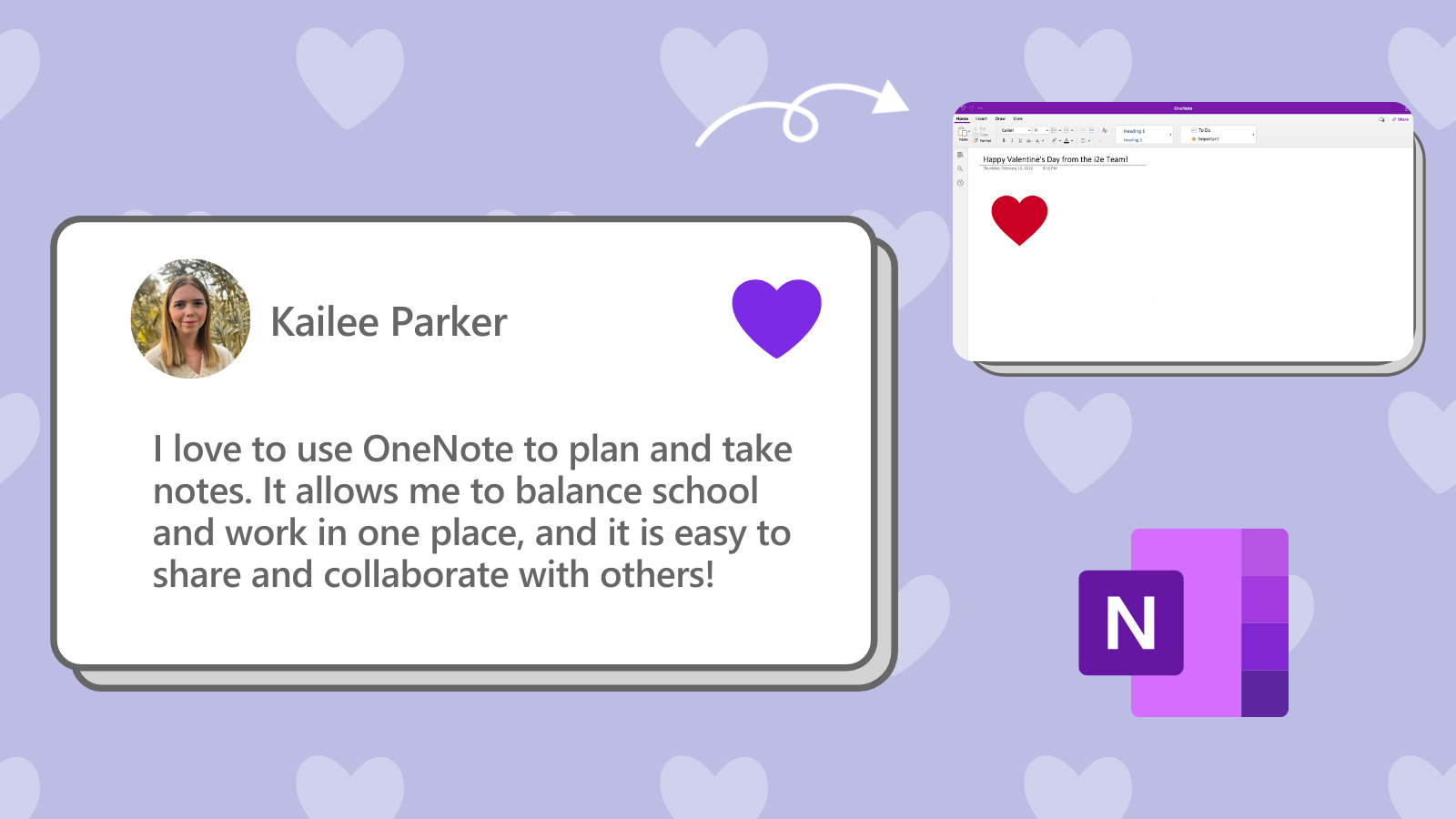
Our staff loves OneNote! OneNote is a great place to take notes, add pictures, build tables, etc. Pages are easily shareable with a link and the page sync allows team members to collaborate in real-time. Kailee especially loves that you can switch between notebooks and pages. This allows her to organize information well and easily find notes later. OneNote is great for students and teacher, as it is an easy way to store notes electronically and access them on different devices, rather than sorting through a large stack of papers.
Be sure to check out the tech tools and tips! We think that you’ll love them as much as we do. Happy Valentine’s Day from the i2e team!